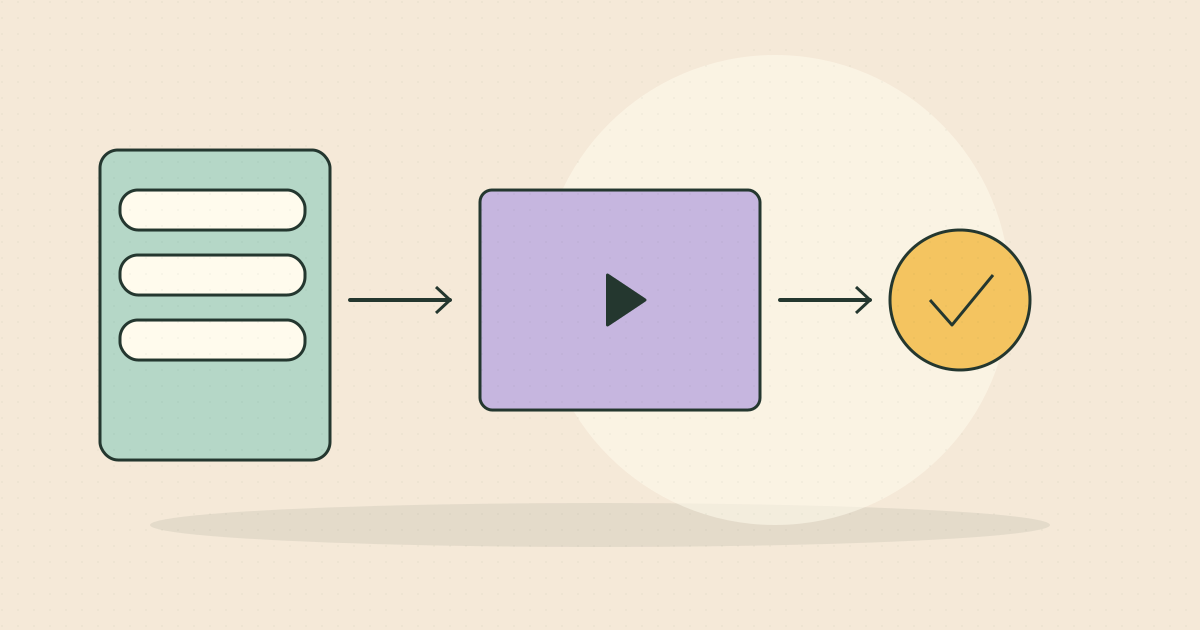
Explain one useful software workflow with accurate screens and a clear next step.
Choose a user and workflow
An explainer need not show every menu. Identify a specific user, recurring problem and the action the product makes easier. Start with the situation, show the relevant interaction and explain the benefit. Avoid suggesting integrations or automation that the available product does not support.
Keep interface details accurate
Use actual screens or approved mockups, identifying proposed features where necessary. Make important controls readable at the intended screen size. Combine close interface shots with enough context to explain why the action matters. Modular screen sections make future updates easier when the product changes.
Plan versions by buying stage
A discovery ad introduces the problem; a product page may need more detail; a sales follow-up can address an objection. Agree formats, captions, revisions and product approval before production. Sharbal Studio can support remote concept, scripting and editing for US teams, with factual screens approved by the client. One film should not imply every feature suits every buyer.
Practical checklist
- Choose one workflow.
- Approve product screens.
- Define delivery versions.
What should I prepare before starting?
Share your objective, market and available assets. We define the deliverables, costs and approval stages in a clear proposal before production.
Further reading
Official or specialist references for context. The workflow and examples above are studio guidance, not guarantees of campaign results.
Google Ads — Relevance ↗Need video production for your business?
Tell us your market, objective and available assets. We will clarify the deliverables, production approach and costs before work begins.
Video Production ↗Talk to Sharbal Studio ↗